Our work
What we’ve built, and how we think.
Two things on this page. First, work that exists: systems we designed and built at GRL, including the one you’re using to reach us. Then example problems, clearly labeled, showing how we’d approach the kind of work people bring us.
Built at GRL
Things that exist
Each one answers the same three questions we’d answer about your project.
You’re using it
The problem intake on this site
What was the problem?
People who need software usually can't write a specification, and most contact forms demand one: a subject line, a department, a budget range. So the message never gets sent.
What did we build?
A short set of questions that only needs the problem in your own words, your name and your email. You can attach a screenshot or a file, every upload is checked before it's stored, and you get a case number the moment it's in. Your case is saved first, then a person at GRL is notified. If that notification doesn't get through, it's retried every ten minutes for about two hours, and anything still undelivered is flagged for us to chase. Either way the case is on file.
What did it prove?
That an ordinary-looking form is a real piece of software: file handling, spam filtering, retries, privacy and accessibility all have to work before anyone can type a word. We use the same care on the things we build for other people.
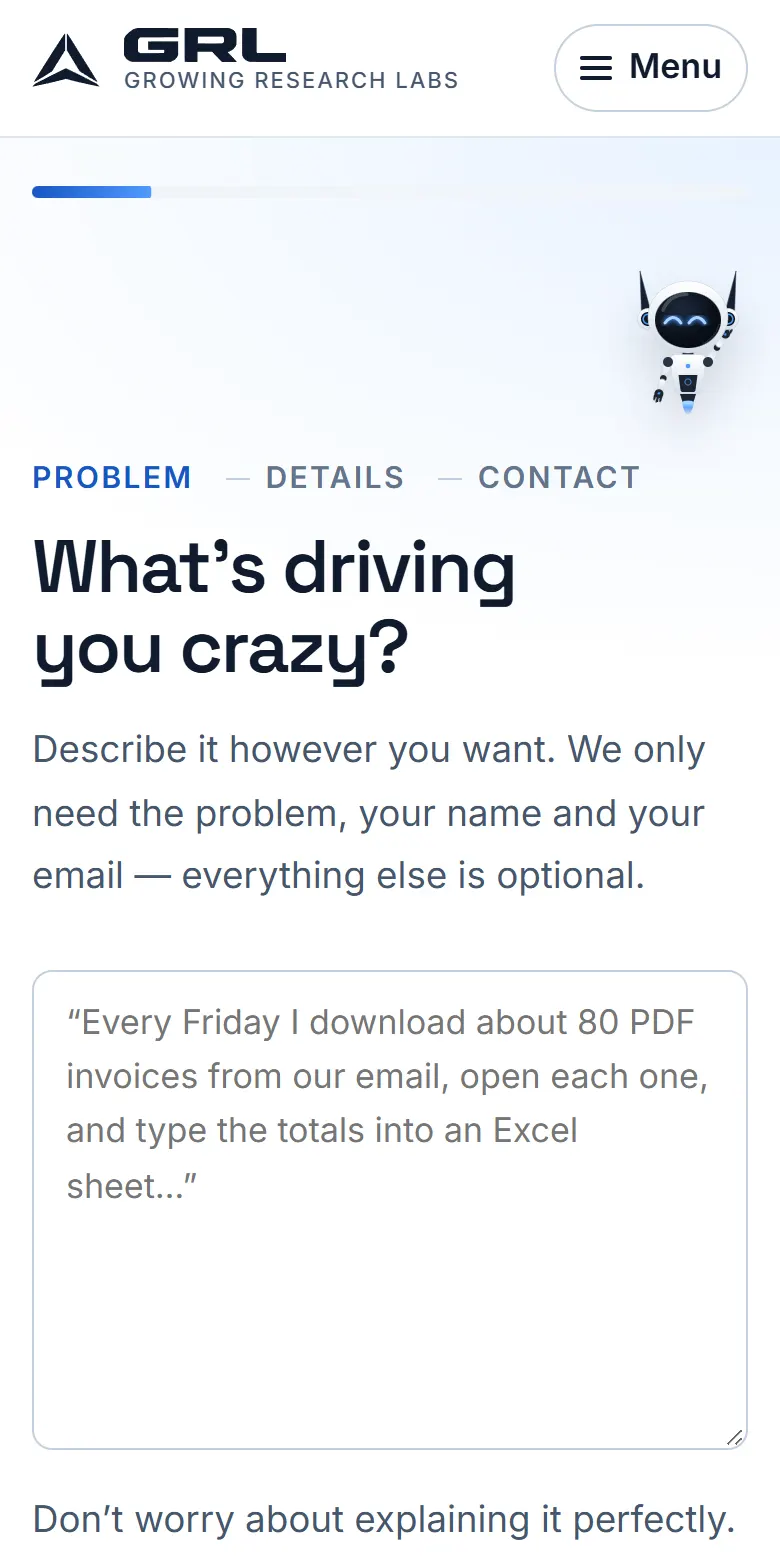
The first screen, on a phone. One box, and a line saying what’s actually required. 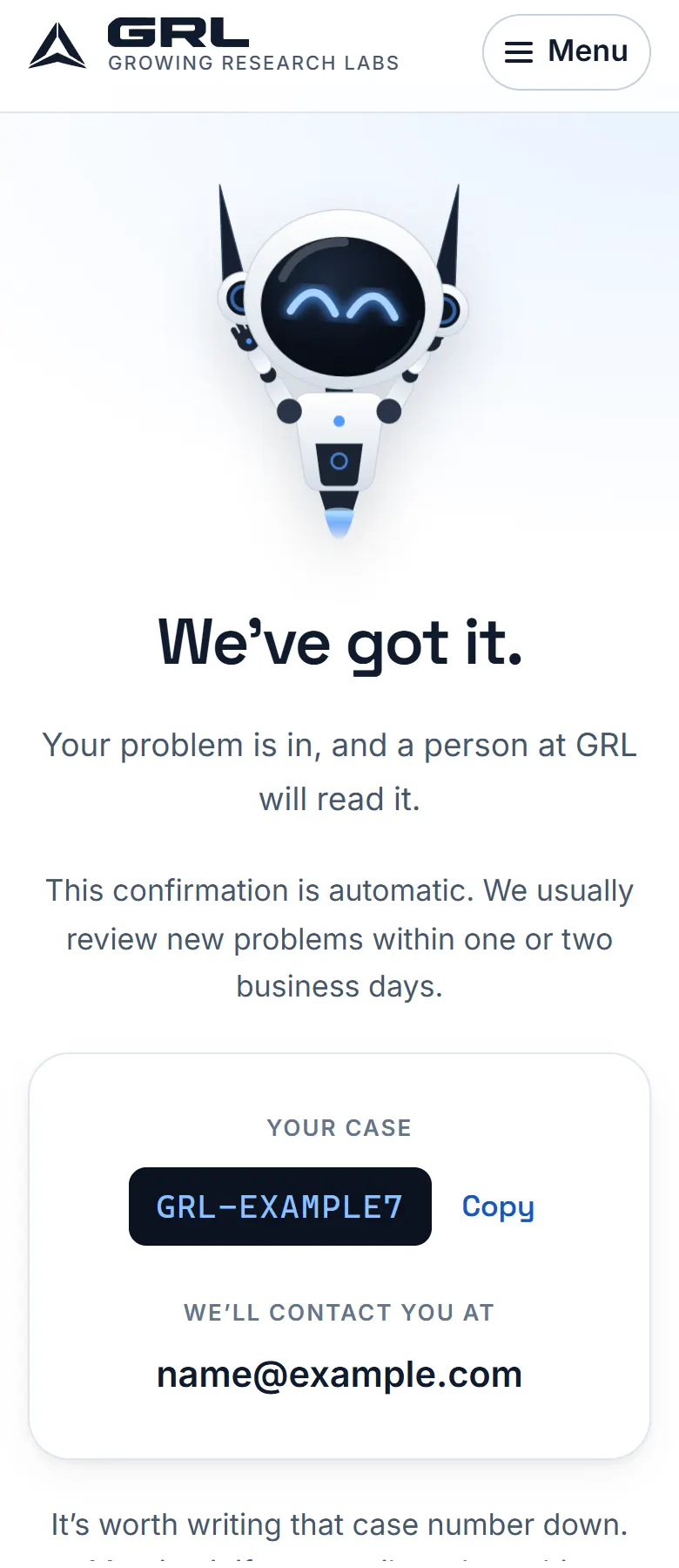
What you see after sending. The case number and address here are an example, not a real submission.
Built in-house
This website
What was the problem?
Plenty of business sites are slow on a phone, unreadable at large text sizes, impossible to use with a keyboard, and quietly full of third-party trackers.
What did we build?
A site that ships as plain pages with no cookies of its own and no advertising, works from a keyboard, respects reduced-motion and large-text settings, and stays quick on a slow phone connection. We count how many people reach each step of the intake, in totals only, with no profiles and no advertising networks.
What did it prove?
That the boring qualities are achievable on a normal budget. Every page is tested automatically at desktop, tablet and phone sizes, including accessibility checks and a run at 200% zoom, and those tests run again before anything is published.
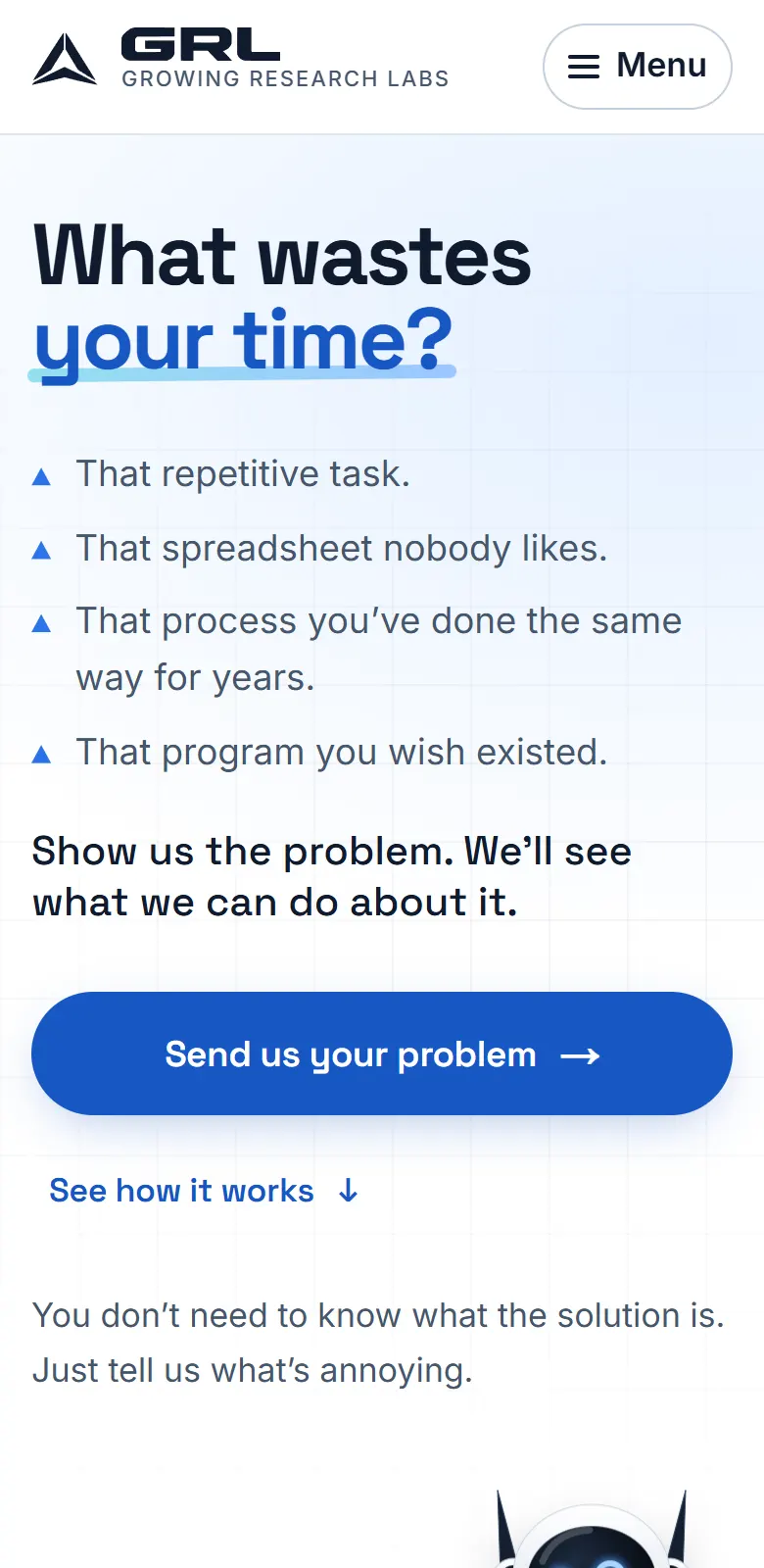
The home page on a phone with text at 200%. Nothing overlaps, and nothing runs off the side.
Internal, not for sale
Our own research tooling
What was the problem?
Investigating a problem means reading a lot, keeping track of what's been tried, and not losing the thread between one session and the next.
What did we build?
Internal tools, including A.N.T.O.N., that help us gather information, keep notes organized and try things quickly. They assist the work; people at GRL decide what to propose and what to build.
What did it prove?
That we'll use this kind of tooling on our own work before we suggest it for yours. It's also where we find out what it's genuinely good at, which is less than the industry claims.
Example problems
How we’d approach three common ones
These are illustrations, not clients: the kind of thing people describe to us, written out so you can see how we’d think about one.
Example problem — not a client
The Friday invoice pile
The complaint
“Every Friday I download about 80 PDF invoices from our email and type the totals into a spreadsheet.”
The old process
- Open each email
- Download the PDF
- Find the total, date and vendor
- Type them into the sheet
- Repeat about 80 times
How we’d approach it
Read the invoices as they arrive, pull out the same few details every time, and fill in the sheet. A person checks anything the system isn't sure about.
That’s a first read from one sentence. A real one starts with questions, and the answer sometimes changes.
Example problem — not a client
Two programs that won't talk
The complaint
“When we book a job in one program, somebody has to enter it again in the other one.”
The old process
- Book the job
- Open the second program
- Re-enter the customer and job details
- Hope nobody made a typo
How we’d approach it
Connect the two so a booking in one creates the matching record in the other, once, without retyping.
That’s a first read from one sentence. A real one starts with questions, and the answer sometimes changes.
Example problem — not a client
The website nobody updates
The complaint
“Our website is ten years old, it's awful on a phone, and I'm scared to touch it.”
The old process
- Customers can't find the hours
- The contact form goes to an old inbox
- Changing anything means calling someone
How we’d approach it
A fast, clear site built around the three things your customers actually come for, which you can update yourself.
That’s a first read from one sentence. A real one starts with questions, and the answer sometimes changes.
Recognize one of these?
Yours doesn’t have to match. Show us what it looks like and we’ll see what we can do about it.